Review contracts against your playbook. Inside Word.
Run your firm's positions on the open contract, get every proposed change as a tracked edit with its reason, and anonymize the document before you share it.
The positions are written down. Applying them is still manual.
The firm's positions sit in a playbook, a memo or with the partner who negotiated the last deal. Each contract is checked clause by clause against them, edits are typed by hand and the reasoning ends up in an email, if anywhere.
Review against your playbook
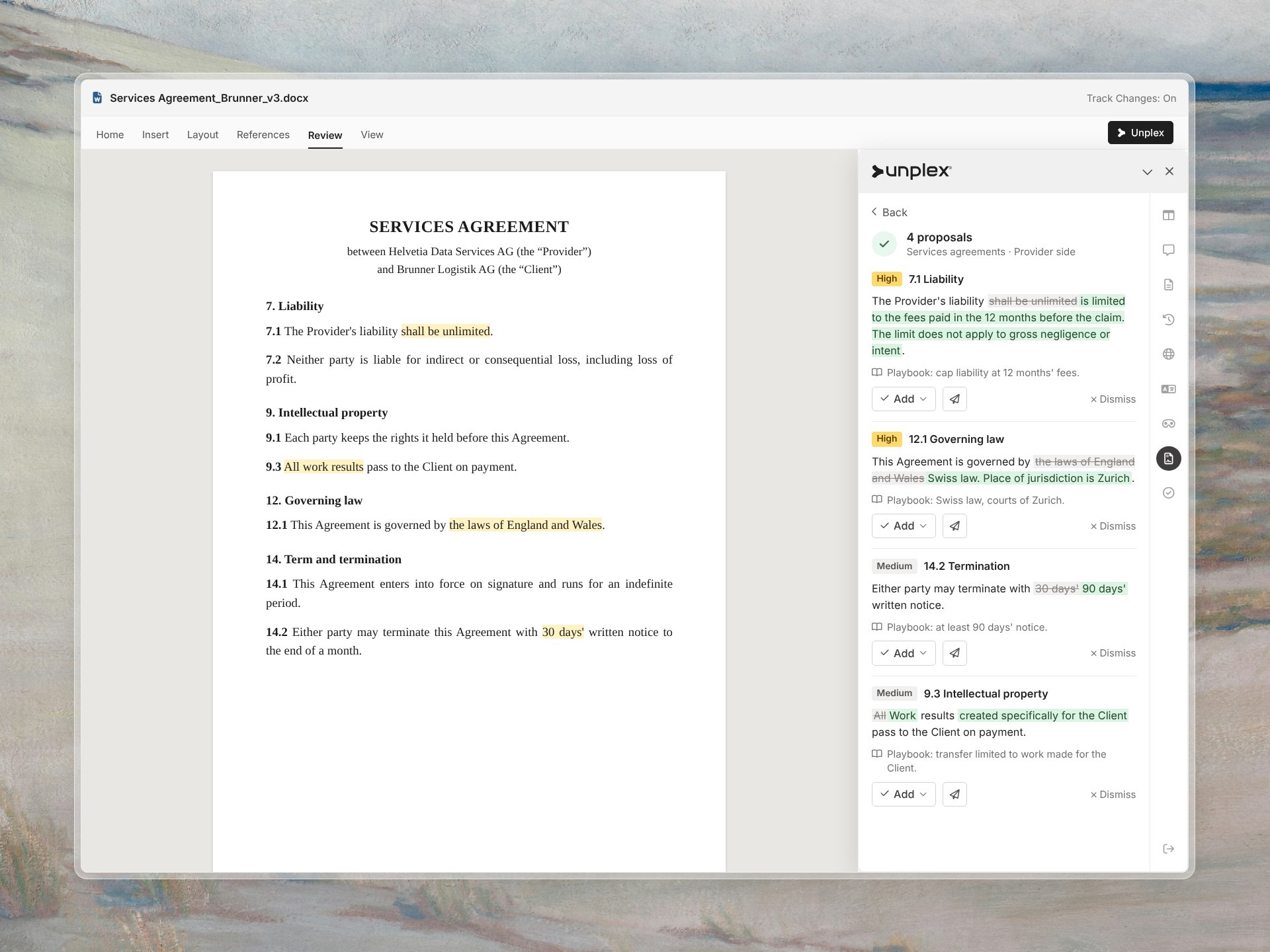
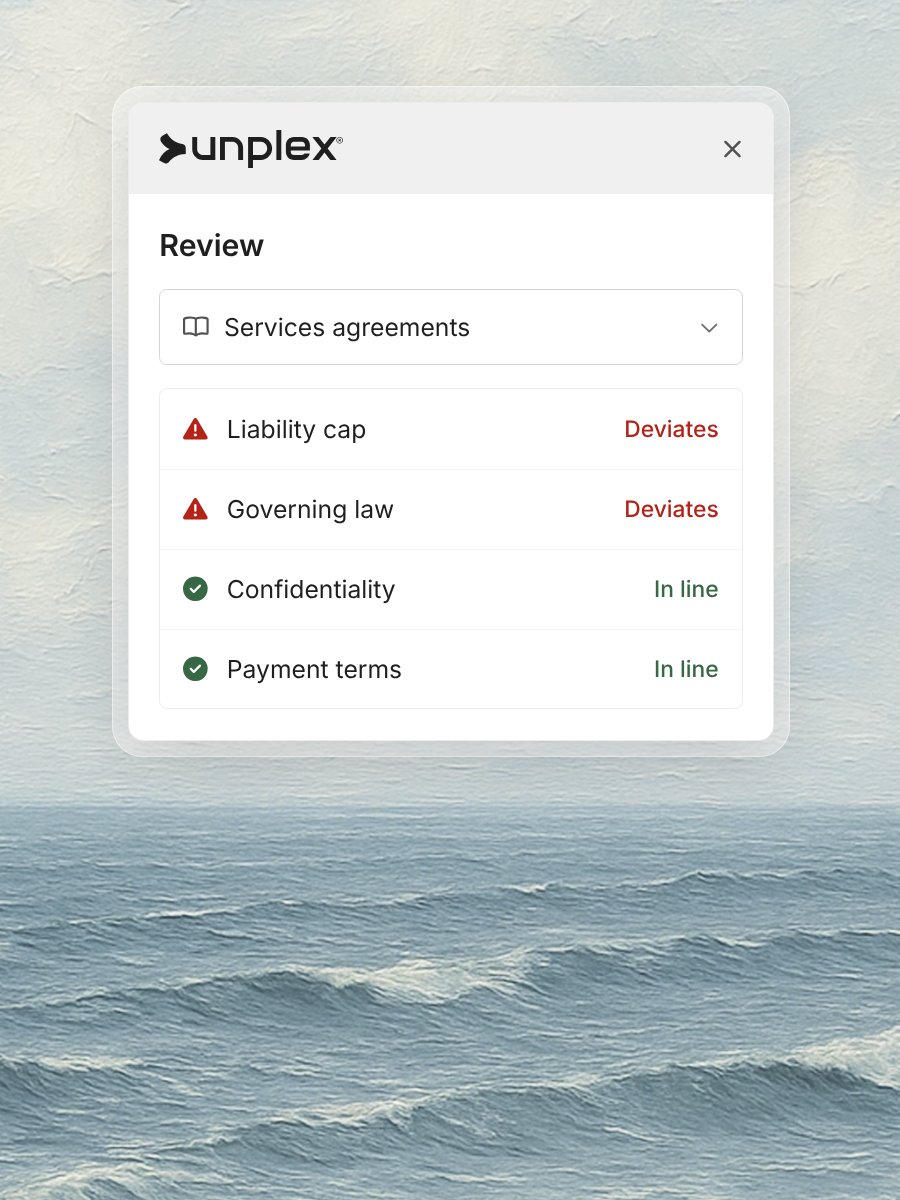
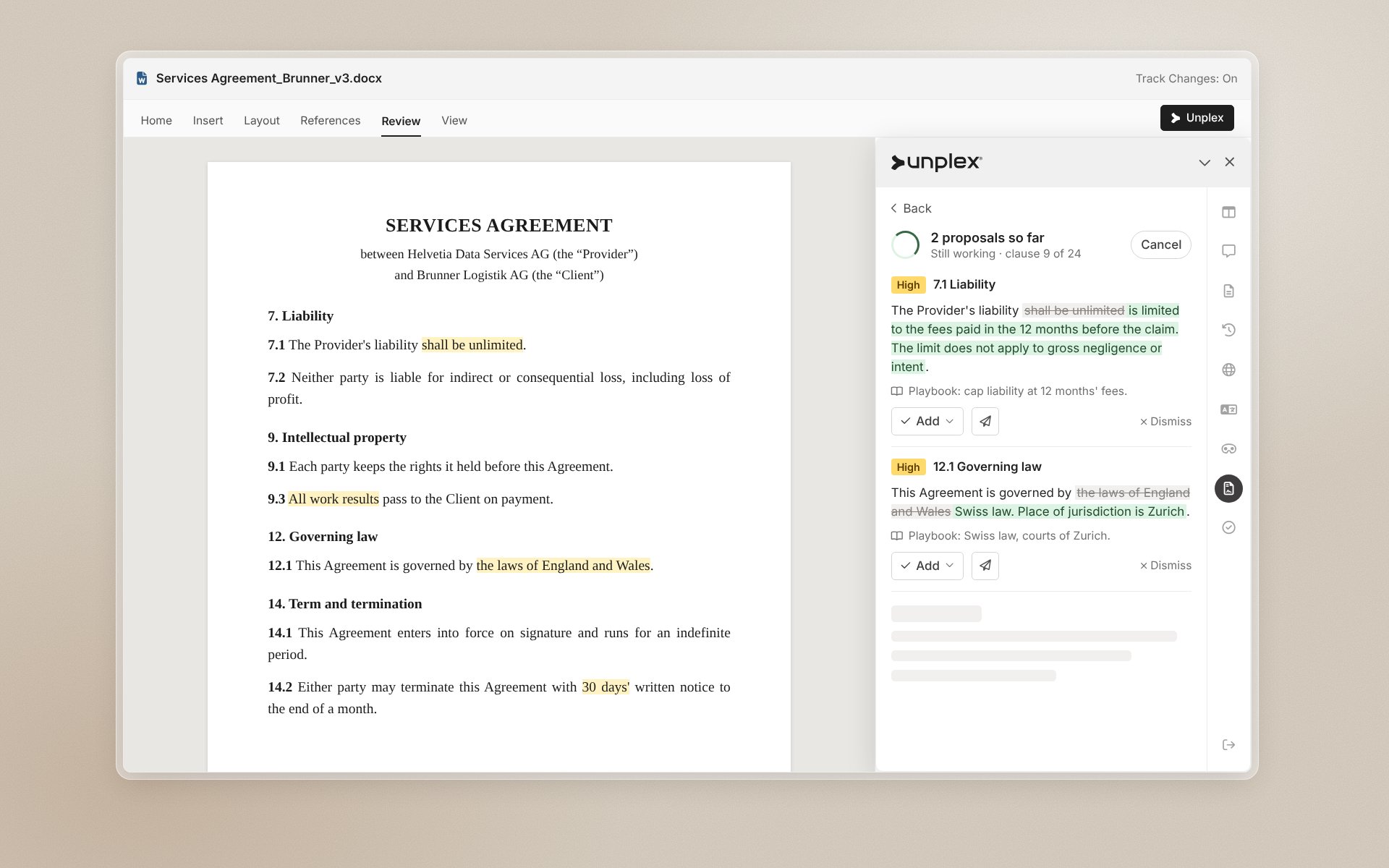
Run your own positions on the open contract. The add-in flags every clause that deviates and proposes the fix.
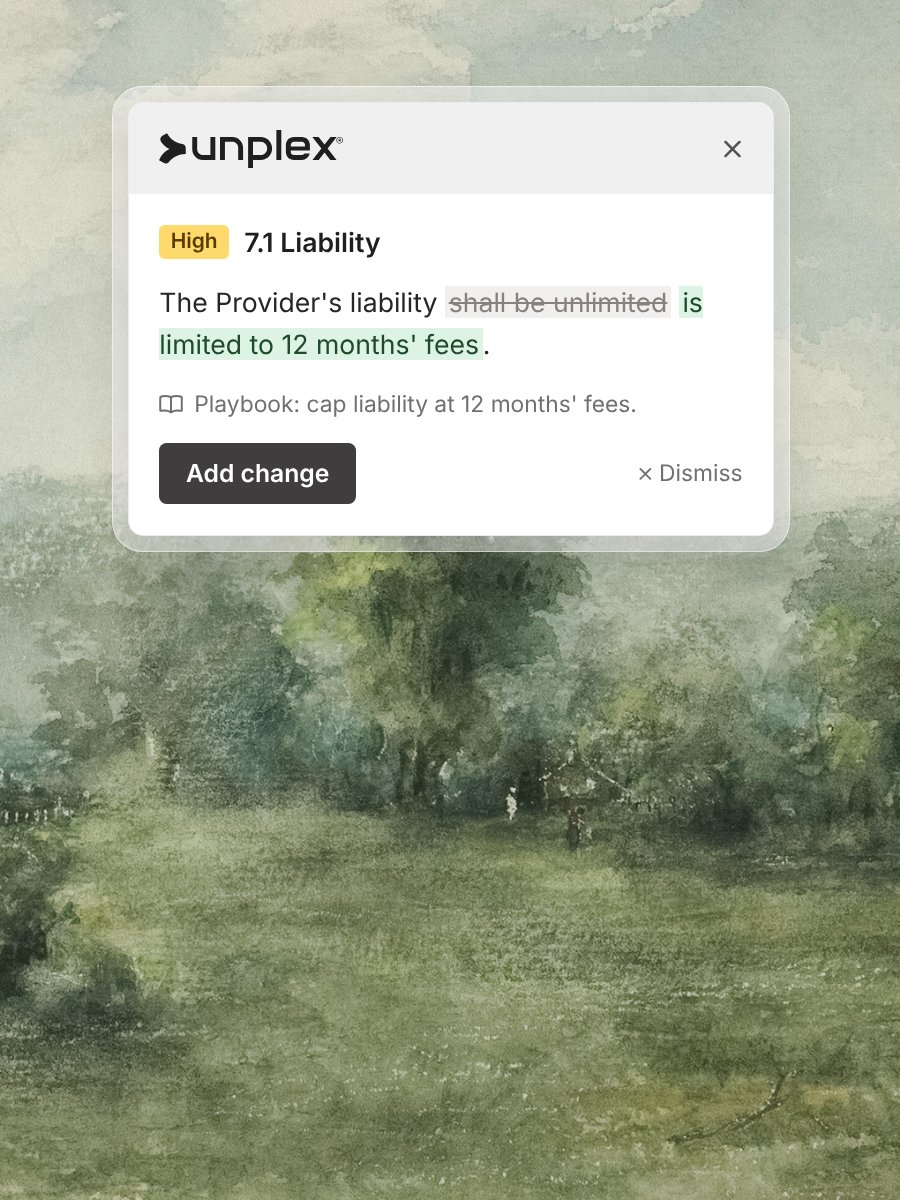
Every change with its reason
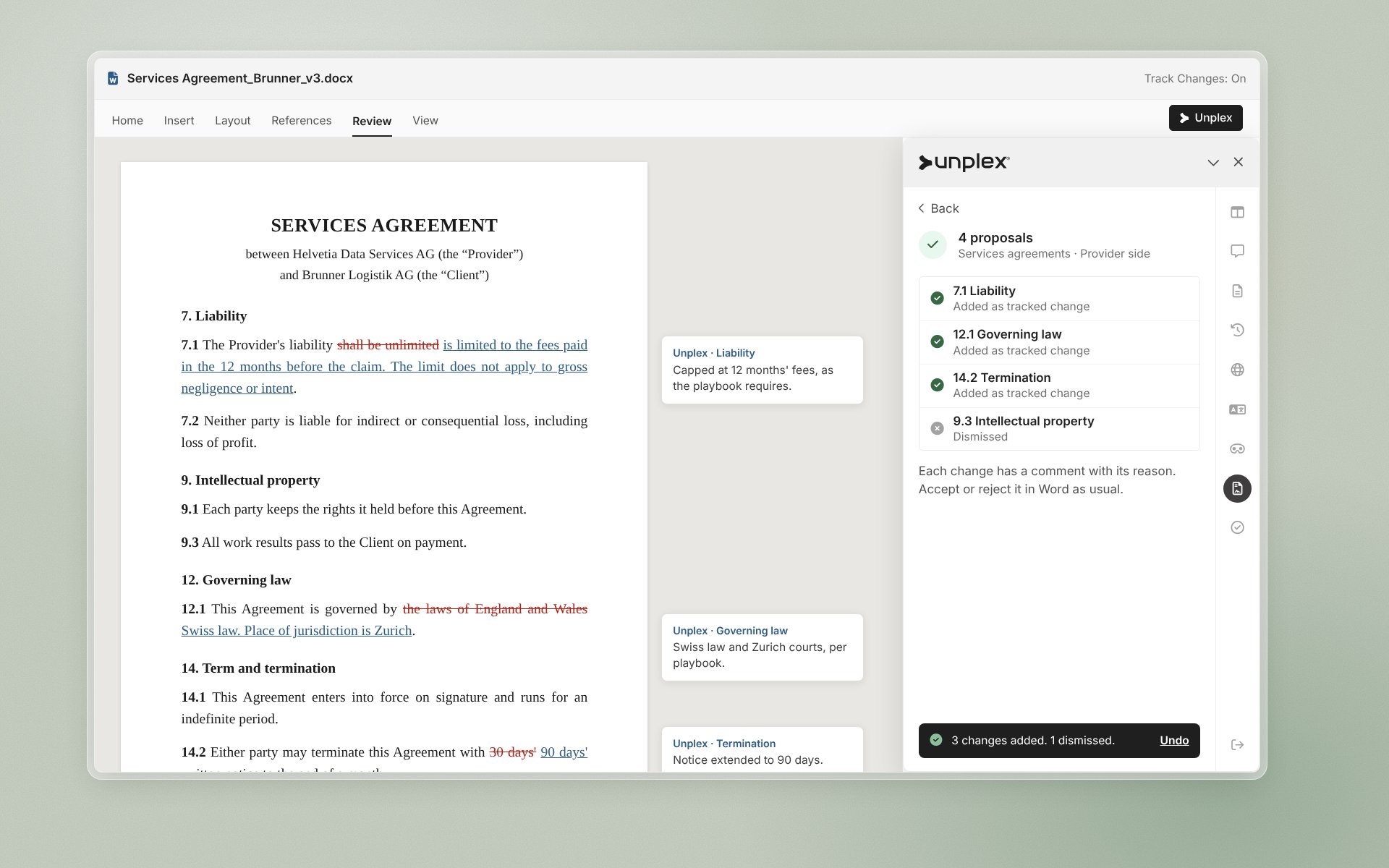
Each proposal appears as a tracked change, with a comment that names the playbook rule behind it.
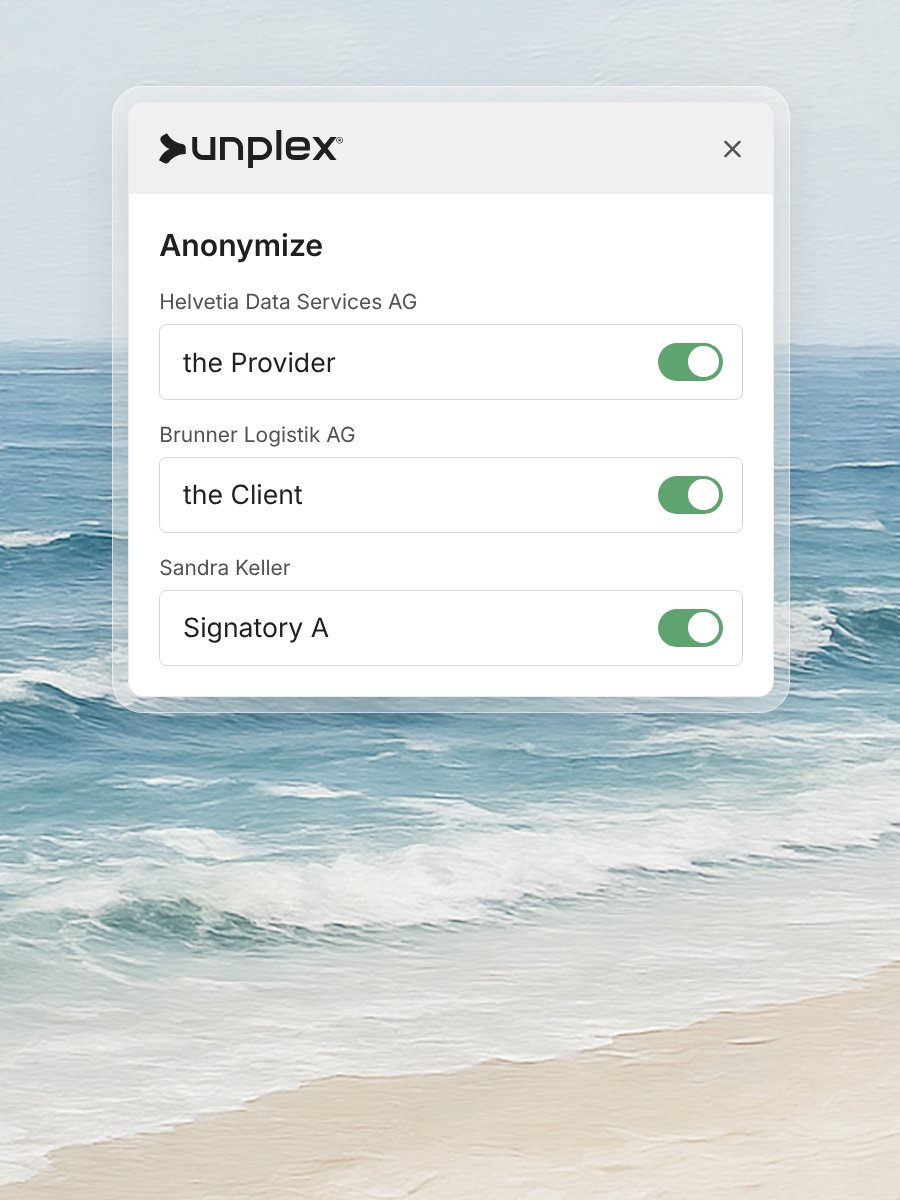
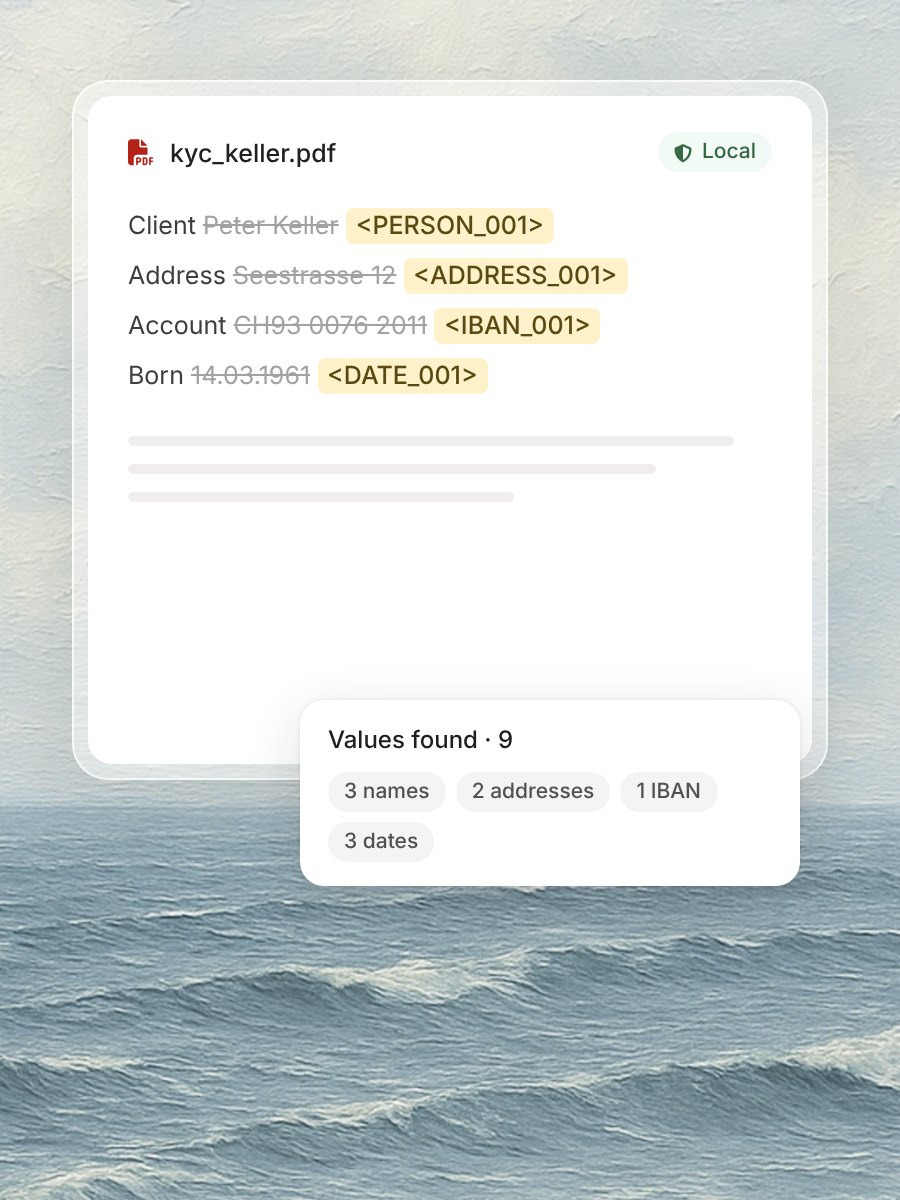
Anonymize before you share
Replace names, companies and amounts in one step before the document goes to a third party.
Run the playbook on the open contract.
Choose the playbook and start. The add-in reads the whole contract and lists every deviation by clause, from the liability cap to governing law, next to the position it departs from.
Accept, edit or dismiss each change.
Proposals land in the document as tracked changes, with the reason in a comment. You accept, edit or dismiss each one. Nothing changes in the contract without your decision.
“A playbook only helps if it is applied to every contract. The add-in applies it in Word and shows its reasoning.”